
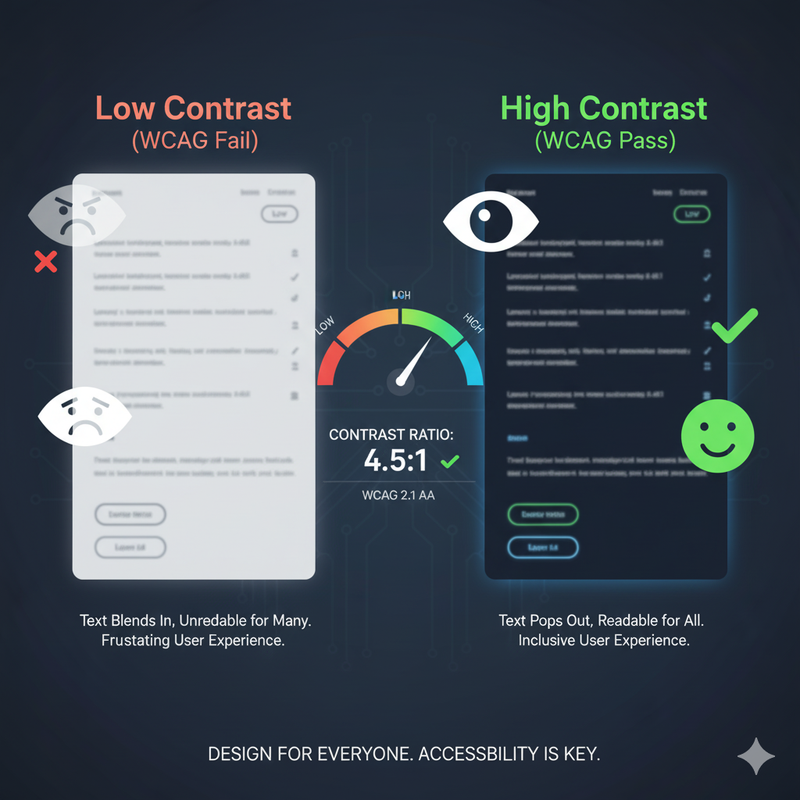
The Science Behind Color Contrast and Accessibility
In digital design, aesthetics and usability must walk hand in hand. A visually stunning design is ineffective if it is not accessible to all users, and at the heart of digital accessibility lies the principle of color contrast. Color contrast is the difference in perceived brightness between two adjacent colors, most commonly text and its background. While this might seem simple, it is one of the most critical factors affecting a website's readability. For users with perfect vision, low contrast might be a minor annoyance. But for a significant portion of the population, including the elderly and the estimated 300 million people with some form of color vision deficiency, low contrast can create an insurmountable barrier. Understanding the science behind color contrast and adhering to established standards is not just good practice; it's an ethical and often legal imperative.
The standards for digital accessibility are set by the World Wide Web Consortium (W3C) in their Web Content Accessibility Guidelines (WCAG). These guidelines provide a universal, testable framework. The WCAG defines specific minimum contrast ratios that a design must meet:
- Level AA (The Standard): This is the most widely adopted standard. For a design to meet AA, it must have a contrast ratio of at least **4.5:1** for normal-sized text and at least **3:1** for large text (18pt and above, or 14pt bold). This level provides enough contrast for most users with moderate visual impairments to read the content.
- Level AAA (The Gold Standard): This is a higher, more stringent standard. To meet AAA, a design requires a contrast ratio of at least **7:1** for normal text and **4.5:1** for large text. While achieving AAA for all elements can be challenging, it's an excellent goal for websites aimed at older audiences or those focused on accessibility.
It's important to note that these guidelines apply not just to text but to all meaningful graphical elements and UI components. Icons and button borders must also meet a minimum contrast ratio of 3:1 against their background.
So, how is this ratio calculated? It's a precise mathematical formula based on the relative luminance of each color, which is a measure of its perceived brightness calculated from its RGB values. The formula is: `(L1 + 0.05) / (L2 + 0.05)`, where L1 is the relative luminance of the lighter color and L2 is the darker one. You don't need to do this math by hand, but understanding that it's a standardized process is key. It removes subjectivity. What looks 'readable enough' to you on a high-end monitor might be unreadable to someone with cataracts on an old laptop. The WCAG standards provide an objective benchmark.
This is where a dedicated tool like our Color Contrast Checker becomes an indispensable part of the design workflow. Manually checking every color combination is tedious. A contrast checker automates this process, giving you instant, accurate feedback. You simply input your foreground and background colors, and the tool will immediately tell you the exact contrast ratio and whether it passes or fails AA and AAA standards. But a good tool does more than just identify problems; it helps you solve them. If your combination fails, our tool's algorithm will intelligently suggest the closest possible accessible alternatives for both your text and background, preserving your original aesthetic as much as possible.
Integrating contrast checking into your workflow from the very beginning is the most efficient way to build accessible products. Make it a habit to check your colors as you define your brand palette. By making accessibility a core part of your design philosophy, you not only create better products but also demonstrate a commitment to inclusivity. Designing with contrast in mind is not a limitation on creativity; it's a challenge to be a better, more thoughtful designer. It results in designs that are not only more inclusive but often cleaner and clearer for all users.